English
 繁體中文
繁體中文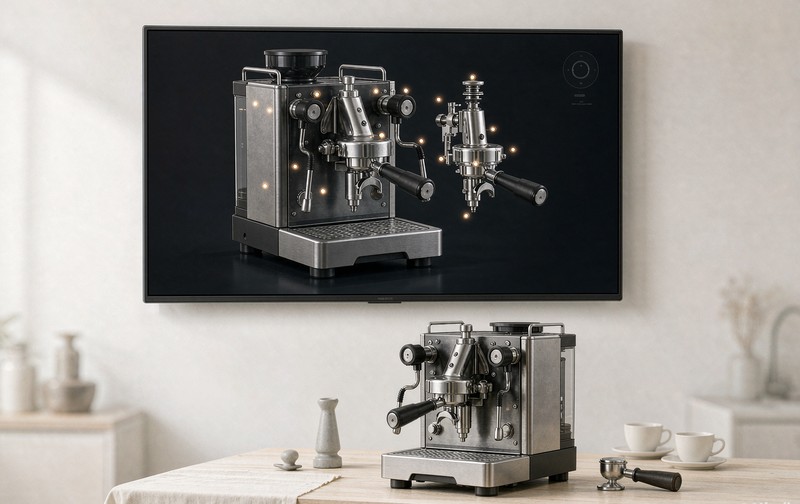
Every manufacturer eventually gets the same pitch: put an interactive 3D product display on your site and watch engagement climb. Sometimes that is exactly the right call. Sometimes it is a slow, expensive way to make a product page worse, and the people selling it will not be the ones who find out.
The confusion is understandable. Search around this topic and you mostly find lists of beautiful 3D websites, award-winning brand worlds, scroll-driven car launches, portfolios where you drive a tiny car around the screen. Impressive stuff. Almost none of it is a product display, and copying it is how the gimmick version gets made. A product display has one job the brand worlds do not: help someone decide whether to buy a specific thing. Everything below is about telling the two apart.
Four formats, four different buying questions
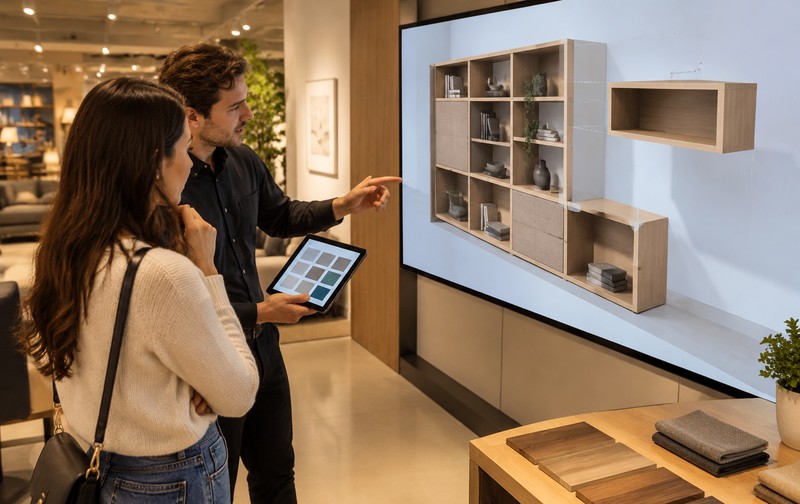
Start by noticing that "interactive 3D display" is not one thing. A rotatable viewer answers the oldest question in e-commerce, the one product photography has never fully solved: what does the back look like. A 360 spin animation, pre-rendered from a fixed set of frames, answers the same question more cheaply and less flexibly. Hotspot annotations answer "what is this part, and why should I care", which matters most for industrial and technical products where the buying committee includes an engineer. A configurator answers the made-to-order question: what does my version look like, and can the factory build it.
Those are different investments. A viewer on a well-made model can go live in days. A configurator with real rules is a project. The mistake is buying the wrong one for the question your customers actually ask, and the fastest way to find that question is to read your own support inbox. If it fills with "does this come in", you need a configurator or at least a finish selector. If it fills with "how does this part work", hotspots are where the budget belongs before anything flashy does.
What the good ones have in common
Studios who build these for a living and write honestly about them tend to converge on the same short list, and it is a better checklist than any feature comparison. The good displays load something useful in the first second, not a loading spinner over a gradient. Lighting on the model matches the brand's photography, so the 3D view and the studio shots read as the same product instead of two products photographed in different decades. Real product information sits in the page as text, where search engines and screen readers can see it, not locked inside a 3D canvas. The 3D has one job. One. When a display tries to be a viewer, a configurator, a video and a brand statement at once, all four get worse.
There is a performance angle hiding in that last point, and it bites on phones first. Interactive 3D on a product page competes with everything else the page is doing, and mobile shoppers abandon slowly-loading pages faster than desktop ones ever will. The interaction design side of this, thumb reach, gesture conflicts, what to put behind a tap, is its own discipline, covered separately in mobile 3D product interaction.
Where gimmicks come from
Nobody sets out to build a gimmick. They build one by importing a format that worked somewhere else.
The brand-world import is the classic: a studio shows a portfolio piece where visitors explore an entire virtual space, the client asks for "that", and six months later the homepage takes eleven seconds to load while the buy button sits three clicks deep. Beautiful, award-winning, and commercially hollow, because browsing was never the visitor's problem.
The measurement import is quieter. Someone sees a car brand's configurator and wants one, without noticing that a car configurator exists because cars have enormous option trees and enormous price tags, which is also true of some products and completely untrue of others. The pattern is worth studying anyway if cars are your reference point; the write-up on what a web 3D car configurator actually involves covers why they cost what they cost.
And the data import: citing engagement lift from a case study at one brand as if it transfers. The published numbers are real, Shopify's Rebecca Minkoff work being the most cited, with 3D viewers lifting add-to-cart 44% and AR lifting purchase likelihood 65%, but those numbers came from a fashion catalog with a specific traffic mix. Treat them as evidence the mechanism exists, then verify on your own pages.
Matching the format to the product
The most useful way to choose is to ask what decision the display has to support, then work backward. A few patterns from projects we have shipped:
A Japanese automaker's sports coupe we built interactions for supports paint swaps, opening doors and dimension checks, and every one of those maps to a purchase question a showroom visitor would ask in person. That is the test a configurator has to pass: not "can the model change", but "does each change answer something the buyer was going to ask anyway".
For a precision measuring instrument, we took a different shape entirely: a 720-degree interactive manual where every angle has hotspot annotations on the surface treatment and the working parts. No configurator there, because the product is not configurable, and pretending otherwise would have added cost to both sides of the transaction. The hotspot approach is the underrated one in industrial catalogs; more on it in 3D configurator for industrial equipment.
Where a display sits relative to a full configurator is a spectrum, and the boundary cases are worth naming. If you are genuinely unsure whether your catalog needs choice logic or just better showing, the comparison in 360 spin vs 3D configurator walks through where one ends and the other begins.
A quick audit you can run today
Open your current product page on a mid-range phone, not the studio's test device, an actual budget Android. Time from tap to first interaction. If it is over three seconds, the display problem is performance, not ambition. Then ask: can a visitor reach the price and the buy button without touching the 3D at all. If not, the 3D has taken a job it was never qualified for.
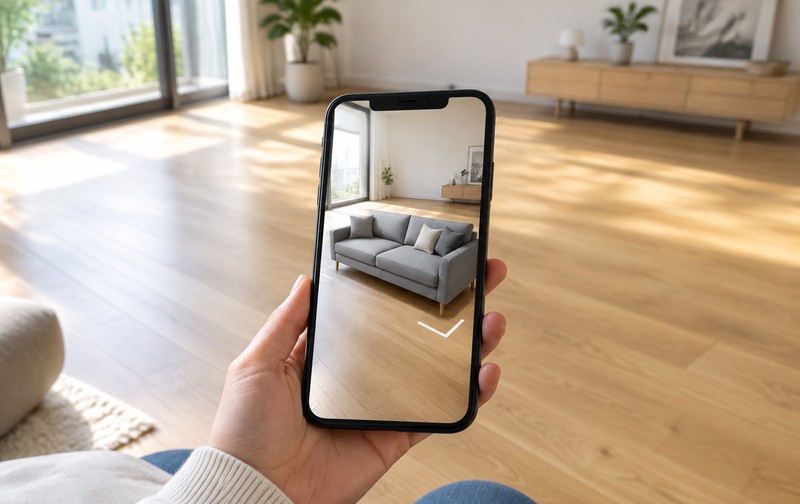
Finally, list the last ten product questions your team answered by email. If a display format, viewer, hotspots, configurator, WebAR, would have answered half of them, build that format and nothing more. WebAR in particular tempts people right now; before committing to it, it is worth reading when WebAR product visualization actually pays off, because the honest answer there is "in fewer categories than the pitch decks claim".
Do that audit and the gimmick question answers itself. If the answers mostly come back "we don't know yet", that is a conversation worth having with someone who builds these weekly; tell us about your catalog and we will tell you plainly whether 3D belongs on it. The display is a sales tool exactly when it answers questions your buyers were already asking, loads fast enough not to become a new problem, and stays in its lane. Everything else is decoration with a render budget.
FAQ
Q: What is an interactive 3D product display?
Any web experience where a visitor manipulates a product model instead of looking at fixed images: rotating a viewer, opening hotspot annotations, switching finishes, or configuring a full build. The defining trait is that the model responds to the visitor, and the useful ones respond in ways that map to a real purchase question.
Q: Does a 3D product display slow down my site?
A badly built one does, and that is the most common failure. Well-made displays lazy-load the model after the page's first paint, keep GLB files small, and leave all indexable text in the page itself. Performance is a build-quality issue, not a reason to avoid 3D.
Q: Which products benefit most from interactive 3D display?
Products where photos leave the buyer with unresolved questions: things with hidden mechanisms, configurable options, or details that matter at close range. Furniture, industrial equipment, footwear and sanitary ware are typical. Products bought purely on price or familiarity rarely gain enough to justify the build.